What you can do
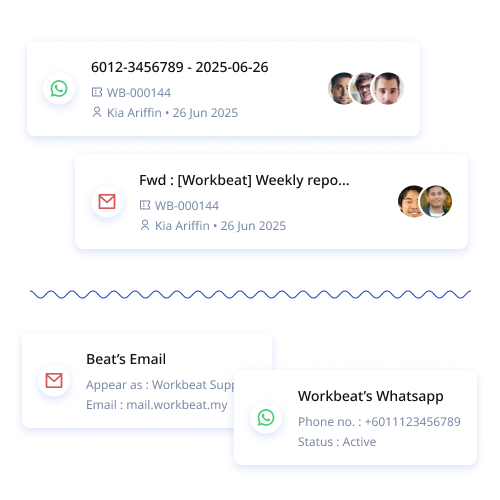
- Reply to WhatsApp conversations alongside email and live chat
- Attach a conversation to a new or existing ticket
- Create, submit and use approved message templates
- Review customer and ticket history before replying
How it connects
Hedesu supports WhatsApp Business through Twilio or Meta, plus a separate personal connection path. Business messaging can require an approved template, depending on the provider and conversation.
Good to know
Templates need approval and must be activated before agents can use them. Available messaging options depend on your connected provider.
Frequently asked questions
Can multiple agents work on WhatsApp conversations?
Your team can work from the connected WhatsApp channel in HEDESU, with access governed by your workspace permissions.
Do we need approved message templates?
Business messaging may require an approved template, depending on the provider and conversation. Templates must be approved and activated before agents use them.
Can I turn a WhatsApp chat into a ticket?
Yes. An agent can attach a conversation to a new or existing ticket when it needs tracked follow-up.