What you can do
- Link your Telegram username to your Hedesu profile so colleagues can tag you in a ticket
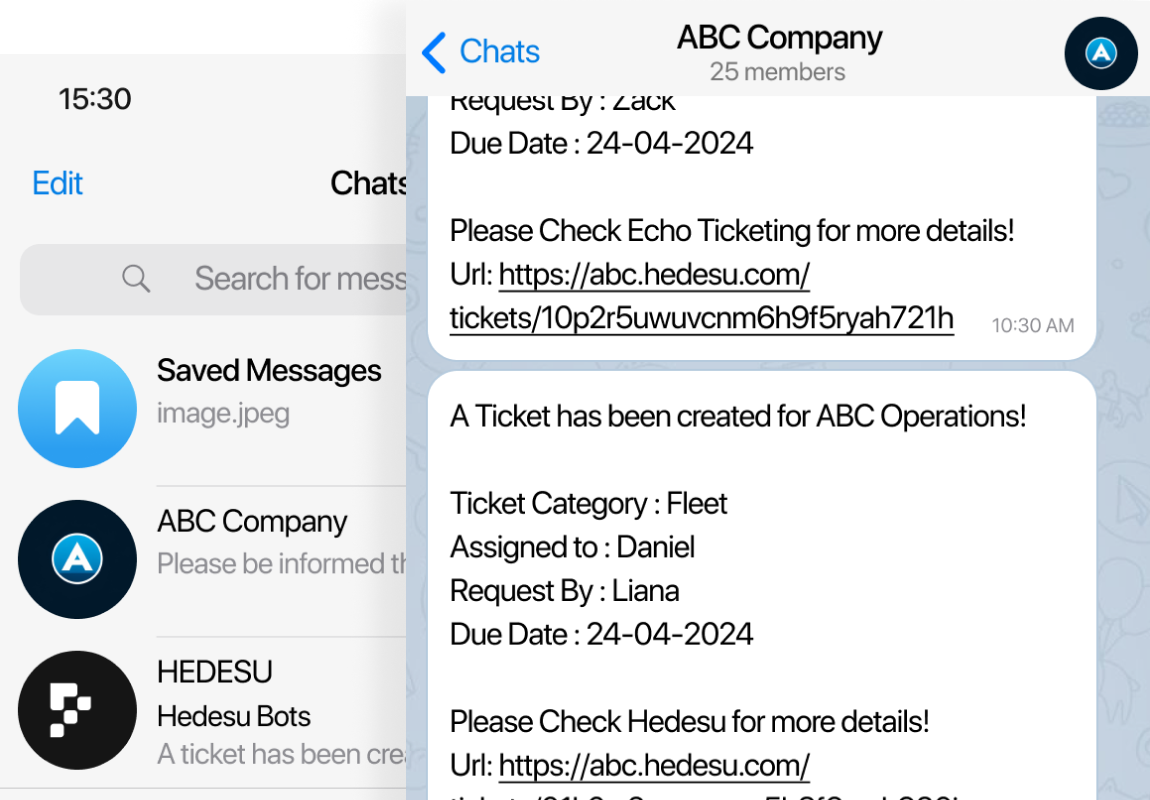
- Receive supported linked notifications
- Use configured group interactions
Good to know
Notification delivery depends on user preferences, linked destinations and account settings. Use the in-app record to check what actually happened.
Frequently asked questions
How do I link Telegram?
Add your Telegram username to your HEDESU profile and complete the available Telegram linking flow for notifications.
Which notifications will I receive?
Delivery depends on the supported notification events, your preferences and your linked destination. Check your HEDESU notification settings for the options available to you.
Can the team use Telegram groups?
Configured group destinations can receive supported ticket notifications. Availability depends on your workspace settings and the group connection.